Planning a Bangkok trip and looking through 666CLASS profiles? Take your time with the gallery. Note the name and photo that interest you, then inquire about the date and time you plan to visit. This guide explains how to distinguish introductory photos from the current schedule and prepare the questions you want to ask.
View the photo in full screen and check the name together.
The manager's profile on the homepage displays his/her photo and name. On a mobile phone, pressing a photo opens an enlarged screen, and you can view other photos by using the left or right buttons or swiping the screen sideways. Rather than judging just by looking at the small thumbnail, check the photo in its original proportions first.
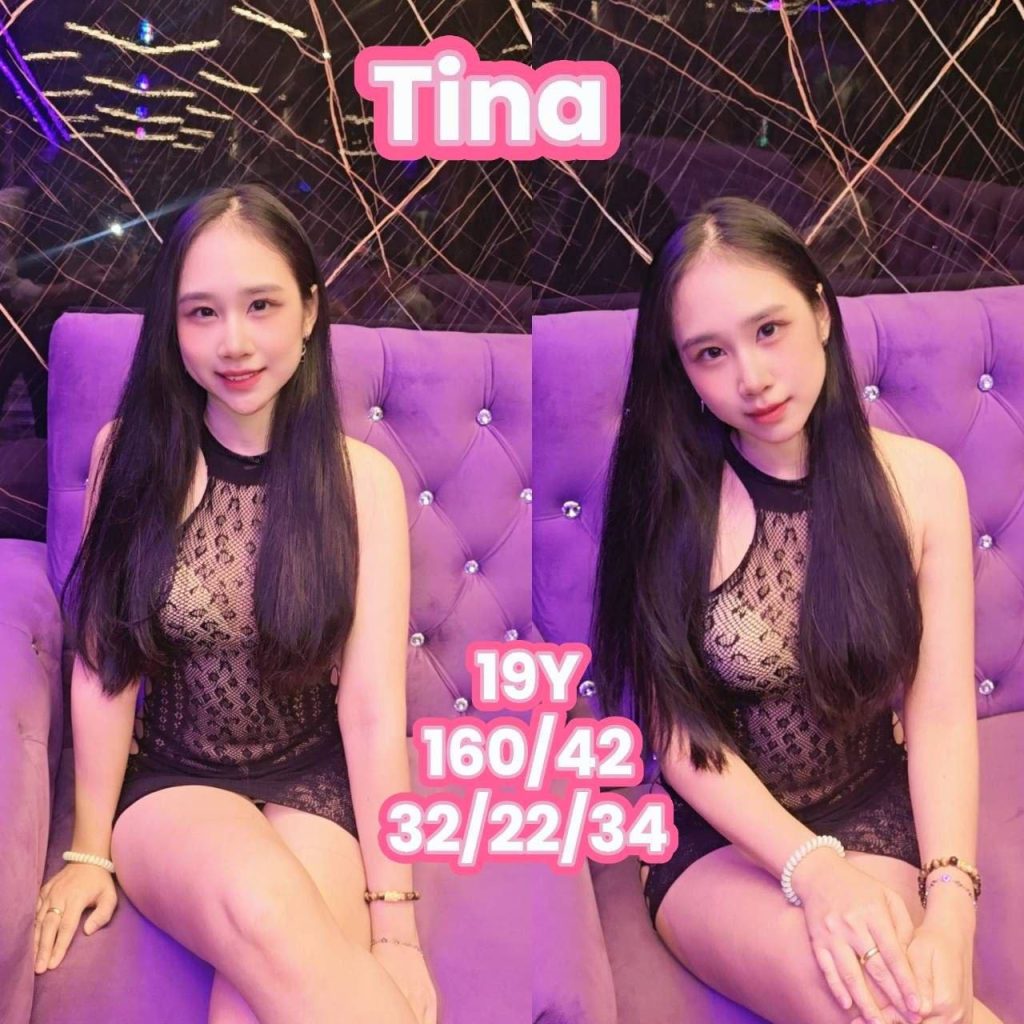
If you find a photo you're interested in, it's a good idea to remember its profile name as well. If the name is similar or multiple photos are featured with the same name, forwarding the photos together will make it clear which profile you are inquiring about. The text shown in the photo is introductory material at the time of posting, so please check the inquiry channel for information that currently requires guidance.
The profile introduction and day's schedule are different information.
The mere fact that a photo is registered on the website does not confirm the availability of work or visitation times on a specific day. Once your travel schedule is decided, you must inform us of your desired date and time and check if guidance is available at that time.
If you are considering visiting on multiple days, you can inquire about two possible dates. However, do not assume that your itinerary is confirmed until you receive a response; please make a travel plan based on the information you have received. Checking again before departure can reduce confusion due to schedule changes.
Organize your inquiries by date, time, and profile name.
When making your first inquiry, it is helpful to have the information you need clearly visible rather than a lengthy explanation. Enter your desired visit date, estimated arrival time, and profile name of interest, and add any questions you may have about programs or operating hours. You can also check facility usage conditions and costs in the same inquiry.
For example, ‘The desired visit date is ○ month ○ day, and we plan to arrive around ○ p.m. You can leave a comment like ‘Please provide information on the day’s schedule and available times’ in the ○○ profile found on the website. This is an example of organizing an inquiry, and sending a message does not automatically confirm your reservation.
Take a look at the facility photos along with the profile
When browsing photos, check out the facility gallery as well as the manager profile. Photos of the lobby, rooms, shower areas, hallways, and exterior will help you understand the overall feel and entrance of the store. If you require a specific space, please include the name of the facility in your inquiry.
There is a limit to what can be confirmed with the introductory photo. You must receive separate information for details not shown in the photos, such as the actual conditions of use of the space or the availability of the desired time slot. If you first look at the profile and facilities and then organize your questions, your inquiry will become more specific.
Please check the final instructions one more time before moving.
666CLASS provides the address and operating hours of Sukhumvit 33, Bangkok on its website. Before departing from your accommodation, please double-check the instructions regarding the time you were contacted, your full address, and the profile you are interested in. If your arrival time changes due to traffic or travel arrangements, please notify us of the change through the same contact channel.
Reviewing profiles is the first step in preparing for your visit. Check photos and names, organize any questions you have, receive current instructions, and prepare for departure. You can continue to check the full profile and location/inquiry information at the link below.
Continue reading for photos and visit information
Manager profiles · Facility Photos · Location and visit inquiries