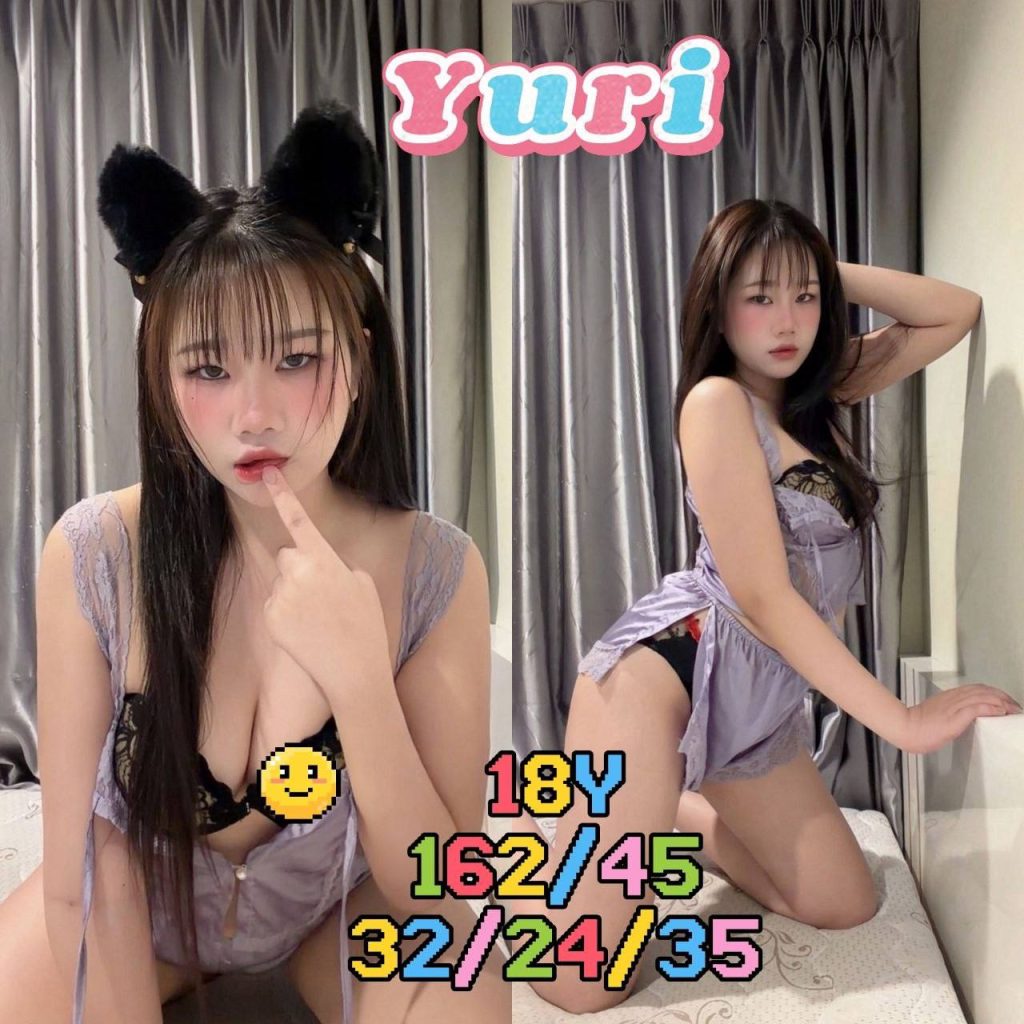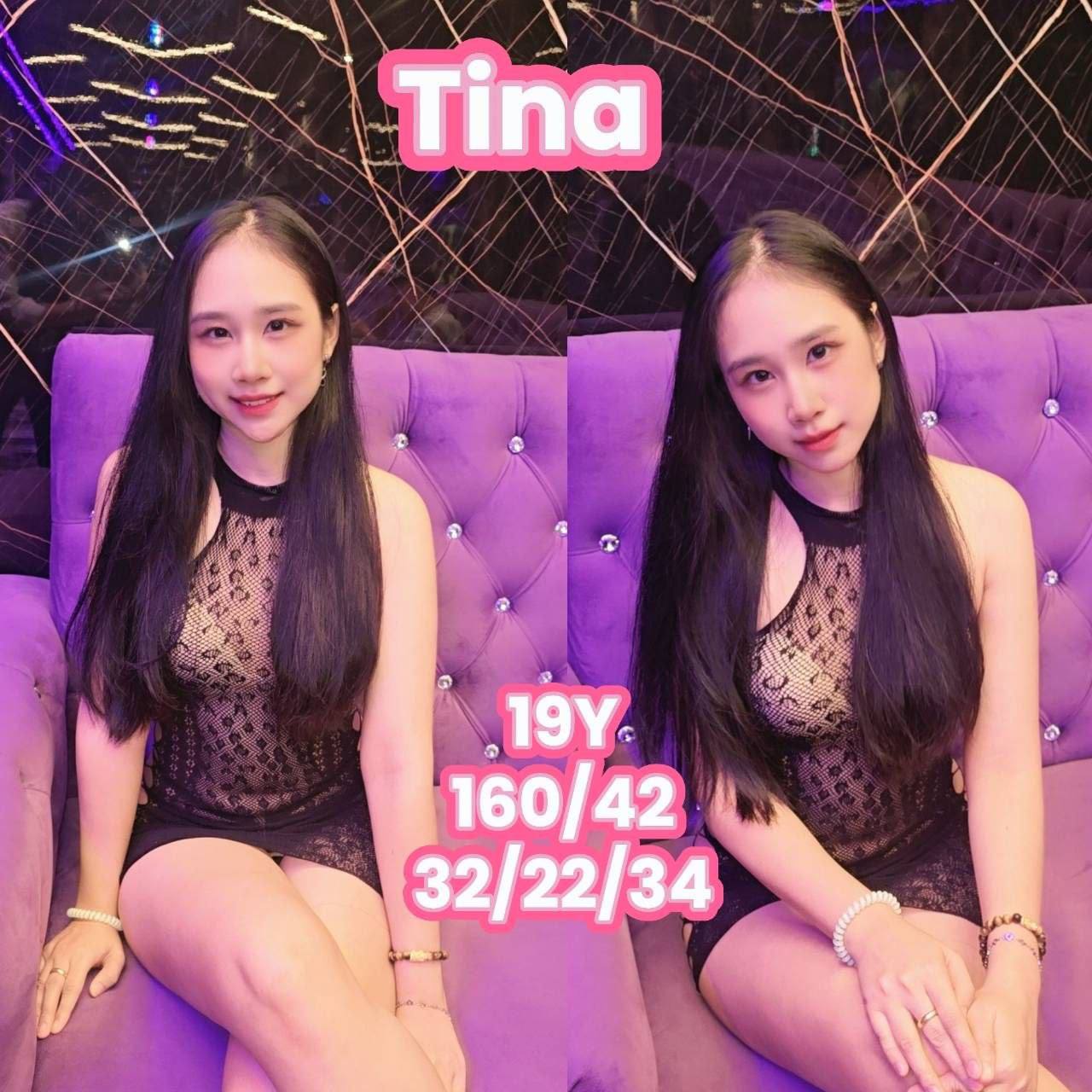
The Bangkok 666CLASS website features manager profiles and facility photos. What you check will vary depending on the purpose of viewing the photo. In the profile, you can see the name and introduction material, and in the facility, you can see the atmosphere of the space and the appearance of the entrance. Checking both together will help you refine your questions before your visit.
Connect your photo and name in the profile gallery
Each profile card shows the person’s photo and name together. Images retain their original proportions on mobile; select one to enlarge it. Use the “more profiles” button below the first group to see the remaining profiles.
Additional galleries can be browsed by swiping through photos. If you find a photo you're interested in, please include the name or photo of the profile when making your inquiry. The text included in the photo is an introduction and may differ from the current guidance.
Take a look at the atmosphere of the space through photos of the lobby and rooms.
The facilities gallery includes itemized photos of the lobby, jacuzzi room, nuru room, showers, hallways and exteriors. In the lobby photo, you can see the space configuration when you first enter, and in each room photo, you can see the facilities and atmosphere introduced in that space.
The space may feel different depending on the brightness of the photo or the shooting angle. Actual size, availability at desired times, and inclusion of specific facilities are difficult to determine from photos alone. If there is a space you are interested in, please inquire by writing down the item name displayed on the website, such as ‘Jacuzzi Room’.
Photos of the exterior and hallways are used as a resource to understand the flow of visitors.
Exterior photos can be used to identify the store's signage and entrance. If you are looking for Sukhumvit 33 for the first time, enter the full address on the map and check the exterior photo as well. If it is difficult to find the entrance when you arrive, it is recommended to check your current location and receive guidance through the inquiry channel.
Photos of hallways and shower areas are helpful for understanding the overall facility. However, photos do not tell you everything about transportation methods or usage procedures. If you need any guidance during your actual visit, please ask questions in advance and check the on-site guidance.
Please check separately for details that cannot be seen from the photo alone.
Photos are used to preview the store and profile. You should check the manager's schedule for the day, the program's current cost, availability times and inclusions in person prior to your visit. If you are making an inquiry referring to a specific photo, it is best to summarize your question in one or two sentences along with the photo.
For example, you can ask questions such as ‘Is the space seen in the facility photo available?’ or ‘Is it possible to provide information on the desired date for the profile you are interested in?’ Please look at the photos to see if what you expected and what was provided is the same, then decide on your visit plan.
Move smoothly from photos to visit information.
You can see business hours, full address, and phone and messenger contact information in the location/visit inquiry at the bottom of the homepage. After browsing the manager's profile and facilities, organize the date and time and contact us through a convenient channel. Just make a schedule considering the travel time and check the instructions again before departure.
Even those who are new to 666CLASS can prepare by looking at the photos, introduction, and location information in order. Take a look back at the full manager profile and facility photos at the link below to see what you need for your itinerary.
Continue reading for photos and visit information
Manager profiles · Facility Photos · Location and visit inquiries